
how-to
How Do You Integrate Security Audits Into DevSecOps Pipelines?

Last Updated: November 23, 2026
Quick Summary
Integrate security audits into your DevSecOps pipeline by running automated checks at every commit, build, test, and deploy stage. Start with a checklist covering static analysis, dependency checks, secrets detection, and container scanning, then place security gates that block builds failing high-severity checks.
- Traditional audits happen once or twice a year, while automated audits check every commit and build.
- Build a short checklist covering static analysis, dependencies, secrets, containers, infrastructure code, and access controls.
- Place security gates at the commit, build, test, and deploy stages of the CI/CD pipeline.
- Block only high-severity findings at first so teams do not stop working over minor issues.
- Require that security findings land in the pull request or CI job summary, not a separate dashboard.
Table of Contents
- How Do You Integrate Security Audits Into DevSecOps Pipelines?
- Defining Security Audits in a DevSecOps Context
- Step 1: Build a DevSecOps Security Audit Checklist
- Step 2: Place Security Gates Across the CI/CD Pipeline
- Step 3: Select DevSecOps Pipeline Security Tools
- Integrating Security Audits Into a GitHub Pipeline: A Worked Example
- Integrating Security Audits Into DevSecOps Pipelines: An Example Workflow
- Next Step: Scoping Your First Pipeline Audit With VegaNext
- Frequently Asked Questions
How Do You Integrate Security Audits Into DevSecOps Pipelines?
Security audits belong inside your DevSecOps pipeline, not after it. When audits run automatically at each stage of code delivery, teams catch vulnerabilities before they reach production.
The shift matters because traditional audits happen once or twice a year. By then, code has changed dozens of times. The DevSecOps market is valued between USD 8.58 billion and USD 10.88 billion in 2026, according to Practical DevSecOps 2026 market statistics, which reflects how fast organizations are moving toward this model.
Here is the core idea. An integrated security audit checks code, configuration, and access controls at every commit and build. Findings flow back to developers within minutes, not months.
Defining Security Audits in a DevSecOps Context
A security audit in DevSecOps is an automated, repeatable check of code, infrastructure, and processes against defined security standards. It runs continuously instead of as a one-time event. Think of it as a quality gate that every change must pass.
Traditional audits focus on evidence after the fact. DevSecOps audits focus on prevention. They ask whether each change meets policy before it moves forward.
Integrating security into CI/CD pipelines also reduces risk. Study on integrating security into CI/CD pipelines notes that this approach minimizes breach risk and improves software quality overall.
For a deeper look at how audits are structured in practice, see our enterprise cloud security audit best practices guide.
Step 1: Build a DevSecOps Security Audit Checklist
Start with a checklist that defines what every build must prove. Keep it short enough that developers will follow it.
A practical checklist should cover:
- Static code analysis: Scan source code for known vulnerability patterns
- Dependency checks: Flag libraries with known security flaws
- Secrets detection: Block hard-coded passwords and API keys
- Container scanning: Check base images before deployment
- Infrastructure as code review: Verify cloud settings match policy
- Access control validation: Confirm least-privilege permissions
Assign an owner to each item. Review the list quarterly, because new threats change what counts as a critical check.
Step 2: Place Security Gates Across the CI/CD Pipeline
Security gates are checkpoints that stop a build when it fails a required check. Place them at the commit, build, test, and deploy stages. Consider blocking only on high-severity findings at first, so teams do not stop working over minor issues.
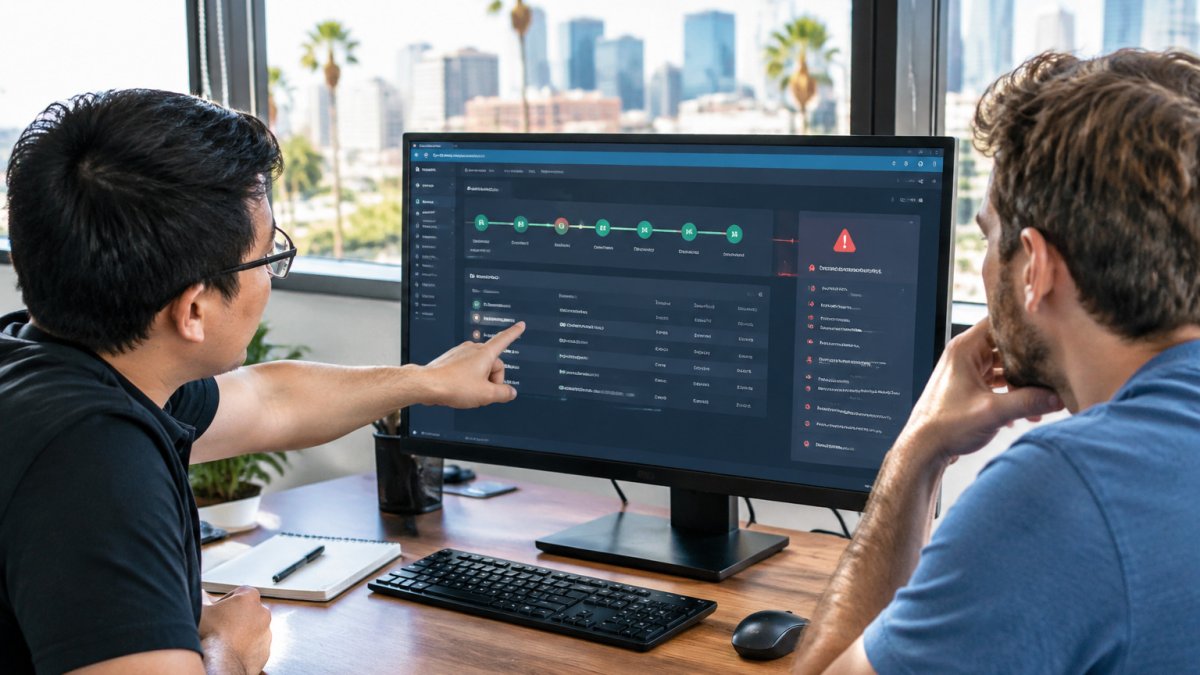
!Two software engineers reviewing a build pipeline dashboard on a large monitor in a bright Los Angeles office, with a security alert panel visible on screen
Tune your detection rules before you turn on blocking. Poorly tuned rules create alert noise, and noise makes people ignore real findings. Our guide to optimizing security correlation rules explains how to reduce false positives.
Strengthen the response side too. A gate is only useful if someone acts on what it finds. Our guide on improving managed detection and response covers the workflows that turn alerts into fixes.
Step 3: Select DevSecOps Pipeline Security Tools
Choose tools based on how well they fit your existing pipeline, not on feature lists alone. The most useful way to evaluate them is to map each tool to the pipeline stage where it does its work, then confirm it reports findings where developers already look.
A common vendor-agnostic mapping for a GitHub- or GitLab-based pipeline looks like this:
- Commit stage (pre-merge): Semgrep or CodeQL for static analysis, Gitleaks or TruffleHog for secrets detection, and OWASP Dependency-Check or Trivy for software composition analysis. These run on every pull request and post results as inline comments.
- Build stage: Trivy or Grype for container image scanning, and Checkov or tfsec for infrastructure-as-code policy checks against Terraform and CloudFormation.
- Test stage: OWASP ZAP for dynamic application security testing against a staging environment, and k6 or OWASP Amass for API surface discovery where relevant.
- Deploy stage: Open Policy Agent (OPA) or Kyverno to enforce admission policies on Kubernetes clusters, plus signed-image verification through Sigstore/cosign.
- Runtime stage: Falco for runtime threat detection and cloud-native posture tools such as Prowler for continuous configuration auditing.
This mapping matters because it exposes overlap and gaps before you buy.
When comparing commercial options, check these points:
- Supports your languages and frameworks without custom rule authoring
- Integrates natively with your CI/CD platform and source control
- Produces findings developers can act on, with file and line references
- Logs every scan with timestamps and commit SHAs for audit trails
- Meets recognized security and compliance standards relevant to your industry
Watch out: buying a platform that only reports to a separate security dashboard creates a second workflow developers will ignore; require that findings land in the pull request or the CI job summary.
If you outsource tooling and monitoring, review our advice on what to look for in cybersecurity managed services. For a standards-based checklist, see AI automation security standards to evaluate.
The article maps common tools to each pipeline stage, so teams can see which checks run where before they buy.
| Pipeline stage | Example tools | Purpose |
|---|---|---|
| Commit (pre-merge) | Semgrep, CodeQL, Gitleaks, TruffleHog, OWASP Dependency-Check, Trivy | Static analysis, secrets detection, dependency checks |
| Build | Trivy, Grype, Checkov, tfsec | Container image scanning, infrastructure-as-code checks |
| Test | OWASP ZAP, k6, OWASP Amass | Dynamic testing, API surface discovery |
| Deploy | Open Policy Agent, Kyverno, Sigstore/cosign | Admission policies, signed-image verification |
| Runtime | Falco, Prowler | Runtime threat detection, configuration auditing |
Integrating Security Audits Into a GitHub Pipeline: A Worked Example
A GitHub-based pipeline shows how these steps fit together. Each pull request triggers a sequence of automated checks before merge approval.
First, a secrets scanner runs on every commit. Second, a dependency scanner checks the build. Third, a static analysis tool reviews new code. If any high-severity check fails, the merge is blocked and the author receives the finding with a remediation note.
Alias Robotics case study on AI-powered security analysis in GitLab CI/CD shows a similar pattern, where automated security analysis runs inside the development workflow and flags vulnerabilities as code is written.
The result is a loop. Developers fix issues while the code is still fresh in their minds, and auditors gain a complete record of every check.
Integrating Security Audits Into DevSecOps Pipelines: An Example Workflow
Here is a simplified workflow for a team with a mix of cloud and legacy systems, with the concrete mechanism at each stage:
- Commit: A pre-commit hook runs Gitleaks and a fast Semgrep ruleset locally; the same checks run again in CI so they cannot be bypassed. Findings post as pull-request comments with the offending line.
- Build: Trivy scans the container image and OWASP Dependency-Check scans the manifest. Results are written as SARIF and uploaded to the code scanning tab, which preserves a timestamped record for auditors.
- Test: OWASP ZAP runs a baseline scan against the staging environment. High-severity findings block the merge; medium findings open a tracked ticket automatically.
- Deploy: Checkov validates Terraform plans, and OPA or Kyverno enforces admission policy on the cluster. The deploy job records the policy version and the commit SHA in the audit log.
- Monitor: Falco streams runtime alerts into the same ticketing system, so a production finding links back to the commit and pipeline run that introduced it.
Expect friction, especially with legacy systems. A mainframe or an on-premises Java application from the 2000s often lacks a container build and a modern API, so the audit has to run differently. A common pattern is to wrap the legacy build in a CI job that runs dependency and static analysis on the source tree even when the artifact is deployed by a separate release process. For systems with no source access, run configuration and vulnerability scanning against the running host and feed those results into the same audit log. Plan for manual steps at first instead of waiting for a perfect setup. Start with one application, prove the value, and expand. That same incremental approach helps teams document controls and close gaps while preparing for a HIPAA audit.
Organizations handling consumer personal information should review their applicable state and federal privacy obligations with counsel. A pipeline that logs every scan, every policy decision, and every remediation ticket can produce audit evidence continuously rather than in a once-a-year scramble. Document your log retention policy.
Tooling alone does not complete the picture. Mobilise Cloud analysis of DevSecOps tooling and culture argues that teams also need security thinking built into daily habits, not just scanners added to a workflow.
Next Step: Scoping Your First Pipeline Audit With VegaNext
Pick one application with a clear owner and a recent release history. Map its current pipeline stages, then mark where a security gate would catch the most risk. That single application is your pilot.
VegaNext is an AI-native managed service provider offering enterprise-grade cybersecurity, AI automation, and infrastructure management. For current service details and a quote, visit the VegaNext website to scope your first pipeline audit.
Frequently Asked Questions
How do you integrate security audits into a DevSecOps pipeline?
Start by mapping each stage of your CI/CD pipeline and assigning an automated check to it: static analysis (SAST) and secret scanning at commit, software composition analysis (SCA) at build, dynamic testing (DAST) and infrastructure-as-code scanning at staging, and policy checks before deployment. Define pass-fail thresholds for each gate, such as blocking builds with critical vulnerabilities, and route lower-severity findings to a ticketing queue. Log every scan result to an audit trail so compliance reviews can reproduce what was checked and when. Review thresholds quarterly as your risk tolerance and tooling change.
What security checks should run in a CI/CD pipeline?
A baseline DevSecOps pipeline typically runs secret detection on every commit, SAST on code changes, SCA to flag vulnerable open-source dependencies, container image scanning before images are pushed to a registry, and infrastructure-as-code scanning on Terraform or similar templates. DAST runs against a staging environment because it needs a live application. Tie each check to a documented control so auditors can trace a finding back to the requirement it supports, and keep the rule set in version control alongside your pipeline configuration.
How can teams prevent security scans from slowing down deployments?
Run fast checks such as secret scanning and SAST on incremental changes rather than the full codebase, cache dependency analysis results, and execute independent scans in parallel. Reserve slow checks like full DAST runs for nightly or pre-release stages instead of every commit. Set gates to block only on critical and high-severity findings at the merge stage, so developers are not waiting on low-risk items. Teams that measure scan duration per stage can usually find one or two steps responsible for most of the delay.
When should security audits run in the software development lifecycle?
Security audits should run continuously rather than as a single review before release. Lightweight checks belong at the commit and pull request stage, where a developer can fix a flaw within minutes. Heavier audits such as dynamic testing and configuration reviews belong in staging, and a full compliance audit trail review should run on a schedule, such as monthly or before each audit cycle. Shifting checks left reduces the cost of remediation because issues are caught while the code is still in active development.
