
How-to
How to Choose Remote Security Monitoring for Commercial Properties in 2026
Last Updated: November 16, 2026
Quick Summary
Remote security monitoring lets a trained operator watch your commercial property from a central station and respond when something looks wrong. Good programs combine cameras, sensors and an alarm panel with a verified escalation plan. Before buying, confirm communication backups, verification standards and the exact signals the contract covers.
- Confirm the alarm panel has a backup communication path, such as cellular, so signals still arrive if a line fails.
- Ask whether the central station verifies alarms with video or a second sensor before dispatching police or a guard.
- Check the contract for excluded signals, since medical and some fire paths may fall outside provider scope.
- Schedule battery replacement on your maintenance calendar, because a dead battery can stop all reporting.
- Write an escalation plan naming primary and secondary contacts, and test it quarterly.
Table of Contents
- How Remote Security Monitoring Works for Commercial Properties
- Commercial Alarm Monitoring: What Is Covered and What Is Not
- Business Security Systems With Cameras: Components That Matter
- Commercial Video Monitoring Services: Live Response and AI Analytics
- Setting Up Remote Monitoring in Los Angeles: Privacy, Deployment and Escalation
- Evaluating Commercial Security Systems Companies and Total Cost
- Start Your Remote Monitoring Assessment With VegaNext
- Frequently Asked Questions
How Remote Security Monitoring Works for Commercial Properties
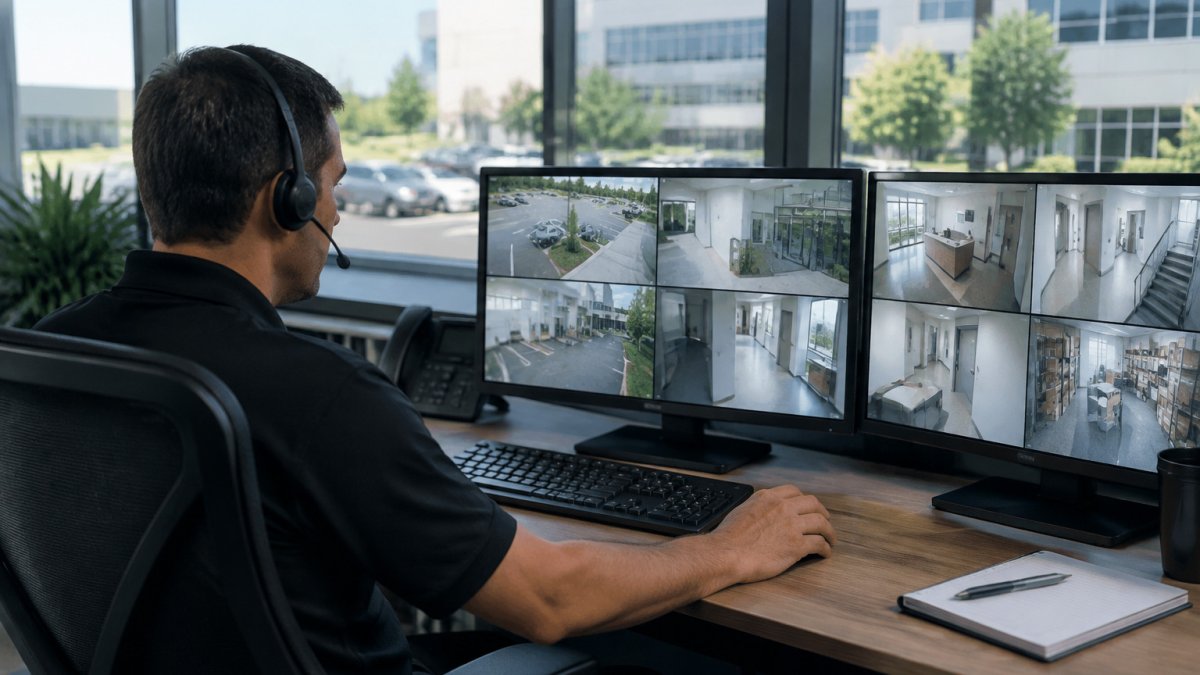
Remote security monitoring lets a trained operator watch your property from a central station and respond when something looks wrong. Commercial programs typically combine cameras, sensors and an alarm panel with a monitoring center. The goal is simple: spot a problem early and send the right response before losses grow.
Some property managers find this model easier to manage than on-site guards, since one system can cover several property types. The tradeoff is that the system is only as good as its setup, which is why the details below matter.
Video surveillance, intrusion detection and access logs
A typical commercial setup pairs high-definition cameras with intrusion sensors and door access controls. Cameras record footage and stream live video to the monitoring center. Door and motion sensors trigger an alert when a space is entered after hours. Access logs record who badged in and out, which helps with both security reviews and tenant disputes.
Real-time alerts and event verification
Alerts matter only if someone checks them. Effective monitoring verifies each event by reviewing live video before dispatching police or a guard, which can reduce false alarms. Ask how the monitoring center confirms an alarm and what escalation steps follow if the first call goes unanswered.
Commercial Alarm Monitoring: What Is Covered and What Is Not
Commercial alarm monitoring means a central station receives signals from your alarm panel and responds according to a written procedure. It covers burglary, fire, and sometimes environmental sensors such as water leaks or freezer temperature. It does not prevent break-ins, and it does not repair equipment. Coverage depends on the contract, so read the scope before you buy.
How a signal travels from your building to the central station
A typical path has four links: a sensor trips, the alarm panel interprets the zone, a communicator sends the signal over a phone line, internet connection, or cellular radio, and the central station's automation software opens a ticket tied to your account. Each link is a failure point. A panel with only a landline or only broadband can go silent when the line is cut or the router fails, which is why most commercial panels now ship with dual-path or cellular communicators. Ask the provider to show you the communicator model and confirm which paths are active, not just which are installed.
What the central station actually does with an alarm
A common pattern is: the operator receives the signal, checks the account's instructions, attempts to reach the first contact by phone, and, if the alarm is verified by video or a second sensor, dispatches police or a guard. Confirm the provider's verification standard in writing: does it require video confirmation, two independent sensor trips, or a call to the site before dispatch? The answer changes both response speed and your false-alarm exposure.
Coverage limits to read in the contract
Scope language usually defines which signals are monitored (burglary, hold-up, fire, environmental), which are excluded (medical, elevator entrapment, certain code-driven fire paths), and what the provider will and will not do when a signal arrives. Fire monitoring is often regulated separately from burglar monitoring, and a provider may subcontract it. Environmental sensors, water, temperature, humidity, are frequently add-ons rather than standard. If your building has a data room, a walk-in freezer, or a server closet, confirm those zones are named in the contract.
Outages, backups, and what happens when the connection drops
Check whether your contract covers cellular backup. If the internet line goes down, a system without a cellular path can go silent. Ask three questions: How long does the panel's backup battery last on a full charge?
Watch out: a panel that loses power and battery at the same time stops reporting entirely, so confirm the battery replacement schedule and put it on your maintenance calendar rather than waiting for a low-battery trouble signal.
The table below summarises the key coverage checkpoints to confirm in a commercial alarm monitoring contract.
| Item | What to check | Why it matters |
|---|---|---|
| Communication paths | Landline, broadband, cellular | A single path can go silent when it fails |
| Verification standard | Video, two sensor trips, or a site call | Sets response speed and false-alarm exposure |
| Monitored signals | Burglary, hold-up, fire, environmental | Defines what the contract actually covers |
| Excluded signals | Medical, elevator entrapment, some fire paths | Gaps may be outside provider scope |
| Environmental zones | Water, temperature, humidity | Often add-ons, not standard |
| Supervision loss | Call timing after signal loss | Silence can hide a failed connection |
| Battery replacement | Scheduled, not waiting for low-battery trouble | A dead battery can stop all reporting |
Business Security Systems With Cameras: Components That Matter
A workable business security system has four core parts: cameras, recording storage, sensors and a network connection. Cameras should cover entries, cash handling areas and parking. Storage should retain footage long enough to meet your insurance and internal review needs. Sensors add coverage for rooms that cameras cannot see. Once the network and monitoring workflow are in place, the choice between armed vs unarmed security can clarify how on-site response should complement remote alerts.
Commercial Video Monitoring Services: Live Response and AI Analytics
Live video monitoring lets an operator watch a feed in real time and speak through a speaker if someone is present after hours. AI analytics add another layer by flagging motion in restricted zones, loitering, or a vehicle in a no-parking area. These tools reduce the number of events a human must review, but they still need tuning. Ask a provider how it measures false positives and how often it adjusts detection rules.
The live-response workflow, step by step
A typical live-monitoring event runs through five stages. First, an analytic or a human observer flags activity in a defined zone. Second, an operator pulls the live feed and checks the event against the site's rules, is this a scheduled cleaning crew, a tenant working late, or an unauthorized entry? Third, the operator may use two-way audio to warn the person off, which resolves many incidents without a dispatch. Fourth, if the event is verified as a threat, the operator contacts the site's designated contact and, per the escalation plan, requests police or a guard. Fifth, the operator logs the event with timestamps, camera references, and actions taken, and the report goes to the property manager.
Ask the provider to walk you through this workflow for your building and to show a sample incident report. The report format matters: it is the record you will rely on for insurance claims, tenant disputes, and police follow-up.
Escalation standards and response-time expectations
Escalation should be written down, not improvised. A workable plan names a primary and secondary contact, defines the hours each is reachable, states the threshold for calling police (for example, verified forced entry versus a person loitering near a dumpster), and sets a maximum time for the operator to act on a verified event. Test the plan quarterly by having the provider simulate an alarm and timing the call chain.
How AI analytics are tuned and measured
Analytics are rule-based: you draw zones, set schedules, and define what counts as an event. A camera pointed at a loading dock will generate noise if delivery trucks arrive at unpredictable hours, so the rule set needs to reflect actual operations. Ask the provider how it measures false positives, a common metric is the ratio of verified incidents to total alerts, and how often rules are reviewed. A provider that never revisits rules after installation will drift toward either alert fatigue or missed events.
Reliability, cybersecurity, and data handling
Live monitoring depends on the network. Confirm whether cameras record locally as well as stream to the monitoring center, so footage survives an internet outage. Ask about cellular failover for the video path, not just the alarm panel. On cybersecurity, ask who can view your feeds, whether access is role-based and logged, whether video is encrypted in transit and at rest, and how long footage is retained. Retention drives both cost and privacy exposure: keep footage only as long as insurance and review needs require, and confirm the provider's deletion practice in writing.
Privacy and notice for live and recorded video
Live monitoring raises the same notice questions as recorded video. Post clear signage at entrances stating that video is in use, avoid camera views into restrooms, changing areas, and neighboring private property, and disable audio unless counsel has approved it. Audio capture can create legal risk, and requirements vary by state. Confirm these points with your attorney, since local requirements can differ by building type.
Our platform underpins many of these analytics capabilities; see AI infrastructure built for enterprise scale for the systems behind them.
Setting Up Remote Monitoring in Los Angeles: Privacy, Deployment and Escalation
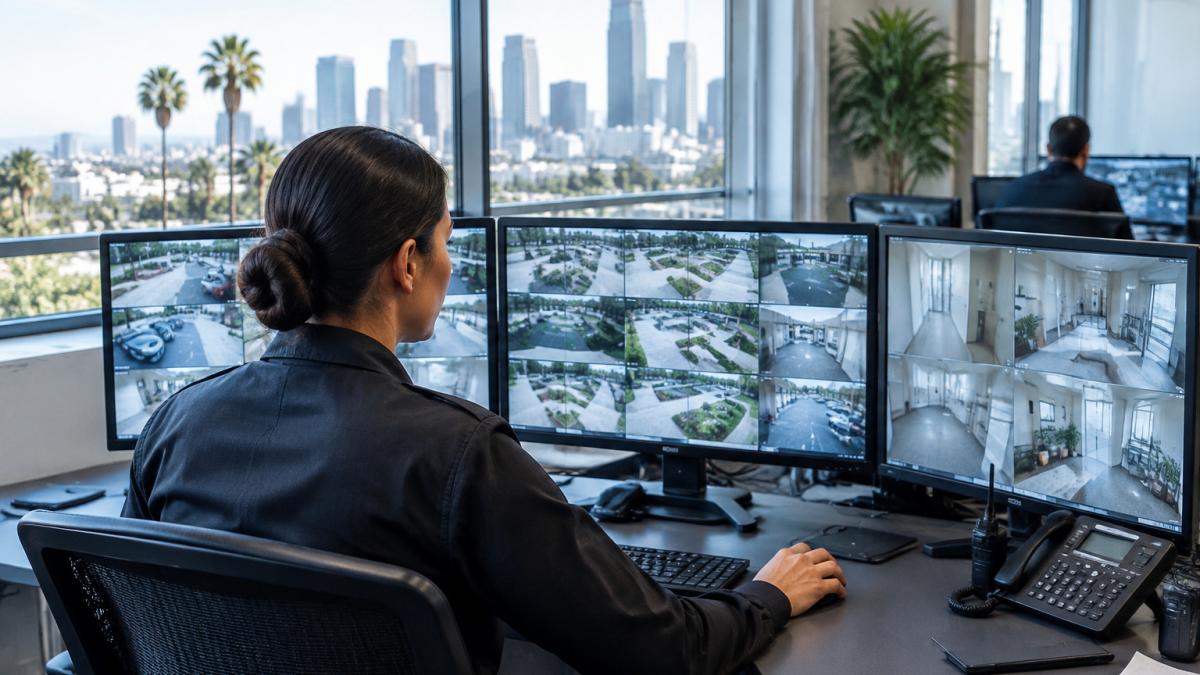
Properties in Los Angeles can face dense traffic and varied building stock, which may affect camera placement and response planning.
Audio recording can create legal liability in many states, so disable audio on cameras unless counsel has approved it.
Write an escalation plan before go-live. It should name who gets called first, the time window for a response, and when police are contacted. Test the plan once a quarter.
!A security operator reviewing live camera feeds across several monitors in a bright monitoring control room
Evaluating Commercial Security Systems Companies and Total Cost
Compare providers on response time, verification process, reporting, and contract length. Ask for references from businesses similar to yours, and check that the provider holds the licenses your city requires. Read the cancellation terms closely, since early termination fees can outweigh savings.
Total cost includes hardware, installation, monthly monitoring, and any fees for dispatch or false alarms. Many buyers also weigh what outsourcing monitoring costs compared with building an in-house team, and a checklist of questions to ask a monitoring provider can keep the comparison consistent. For managed services scope, see what to look for in cybersecurity managed services. Our team at VegaNext can also review your current setup in an assessment of your property's monitoring needs.
Start Your Remote Monitoring Assessment With VegaNext
Remote monitoring pays off when the system is designed around your property, its tenants and its response plan. VegaNext helps commercial property owners review coverage gaps, camera placement and escalation steps before they commit to a contract. Get started with VegaNext to map your monitoring needs and request a quote tailored to your building.
Frequently Asked Questions
What is remote security monitoring for commercial properties?
Remote security monitoring means a professional monitoring center watches cameras, alarm sensors and access logs for a business property around the clock, rather than relying only on on-site staff. When a sensor trips or a camera detects motion, an operator verifies the event using live video and follows the response plan the property has approved, such as calling the site contact or dispatching police. Pricing depends on the number of cameras, locations, monitoring hours and contract length, so request a quote from VegaNext for current figures.
How does remote video monitoring work for a business?
Cameras stream high-definition video to a cloud or on-site recorder, and monitoring staff can view live feeds or review recorded footage remotely. Analytics can flag people or vehicles in restricted areas, which reduces the number of alerts an operator must review manually. Business owners and property managers can also access footage from a mobile device. Verification before escalation is what separates useful monitoring from a system that only generates false alarms.
What should a commercial property security monitoring service include?
At minimum, expect 24/7 professional monitoring, documented response procedures with escalation contacts, live video verification, and access to recorded footage and event logs. Ask how the provider handles system uptime, what happens during an internet or power outage, and how false alarms are tracked. Confirm integration with your existing alarms and cameras, and review the contract terms for monitoring plan length and cancellation.
